Here is the usual story. You download a language app, do a lesson a day for two weeks, miss a day, miss three more, and the app turns into a guilty icon on your second home screen. Meanwhile you open Instagram forty times a day without any reminder at all.
The habit you want to build already has a time slot, a trigger and a hand that reaches for the phone. It's just pointed at the feed. This guide is about borrowing that habit, and about why two minute reps are actually a good way to learn, not just a convenient one.
Why tiny practice sessions work
Two of the best tested findings in learning research back this up.
Retrieval practice: testing beats rereading
Pulling a word out of memory strengthens it more than looking at it again. In a well known study, Roediger and Karpicke (2006) had students either reread a passage or take a recall test on it. A week later, the students who had been tested remembered more, even though rereading felt more productive at the time. That's why a quiz question is better practice than a flashcard you just flip.
Spacing: little and often beats one long session
Spreading practice out over time leads to better long term memory than packing it into one block. A large review of this "spacing effect" by Cepeda and colleagues (2006) pulled together hundreds of experiments on verbal memory and found the advantage held up across them. Forty short moments across a day are spaced practice by default. One forty minute lesson is not.
A 2013 review of study techniques by Dunlosky and colleagues looked at ten common methods. Practice testing and spaced practice were the only two it rated high utility. Highlighting and rereading were rated low.
Ways to learn a language on your phone, from passive to active
Not all phone time is equal. Here's what you can do, roughly in order of how much it makes your brain work.
- Switch your phone's language. Free and a little humbling. You'll learn words like "settings" and "delete" fast. It's passive, though: you mostly recognize things by where they are on the screen.
- Follow creators in the language. If you're going to scroll anyway, scroll in Spanish. Good for listening and slang. Easy to zone out.
- Change your feed's subtitles and captions. Turn on captions on videos in the language you're learning. Reading along with audio helps you match spelling to sound.
- Use a daily lesson app. Duolingo and others give structure. They work if you open them, which is the hard part. See Quizlock vs Duolingo for how they fit together.
- Answer a question before every scroll. Active recall, spaced across your day, attached to a habit you already have. This is the one we built Quizlock around.
The method: put practice at the moment of the urge
The urge to open TikTok is the most reliable cue in your day. It shows up whether you're motivated or not. If every one of those moments costs one Spanish question, you get dozens of short retrieval reps a day, spread out, without ever deciding to study.
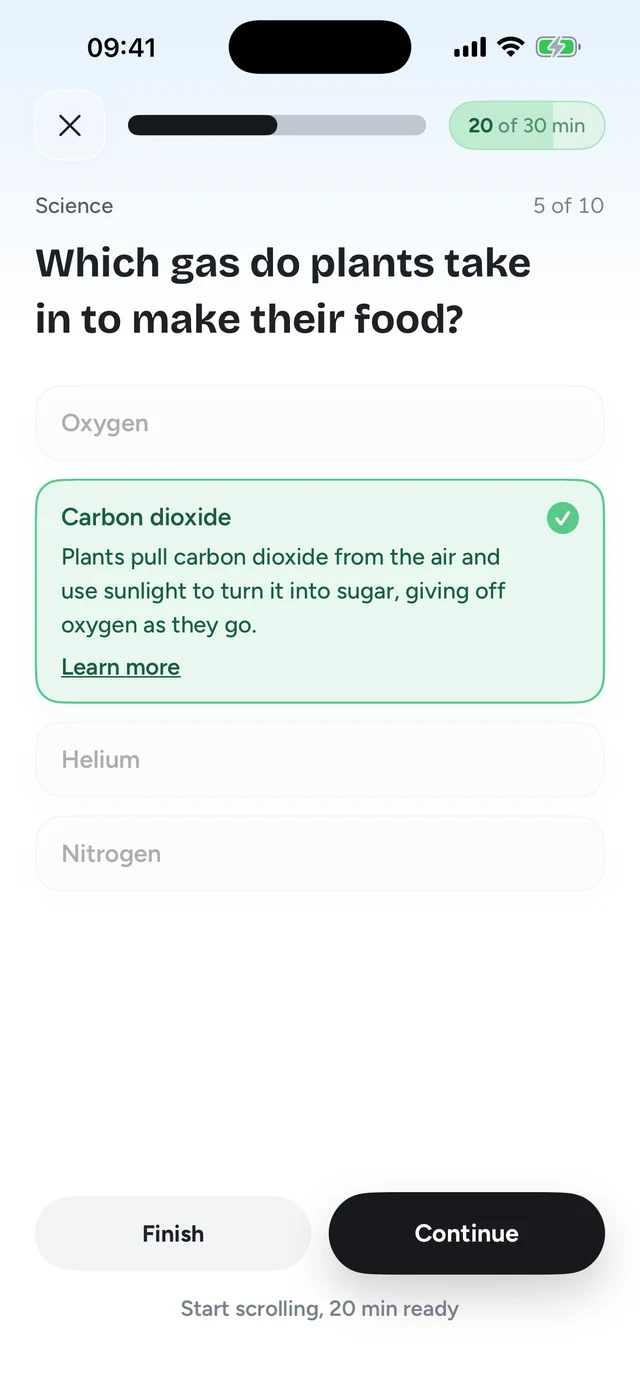
That's how Quizlock works. You pick the apps it locks, like Instagram, TikTok or YouTube. When you open one, you get a question on a topic you chose. A right answer earns 2 minutes of scrolling. Minutes stack in a wallet that holds up to 30, so a few answers in a row buy a real break.
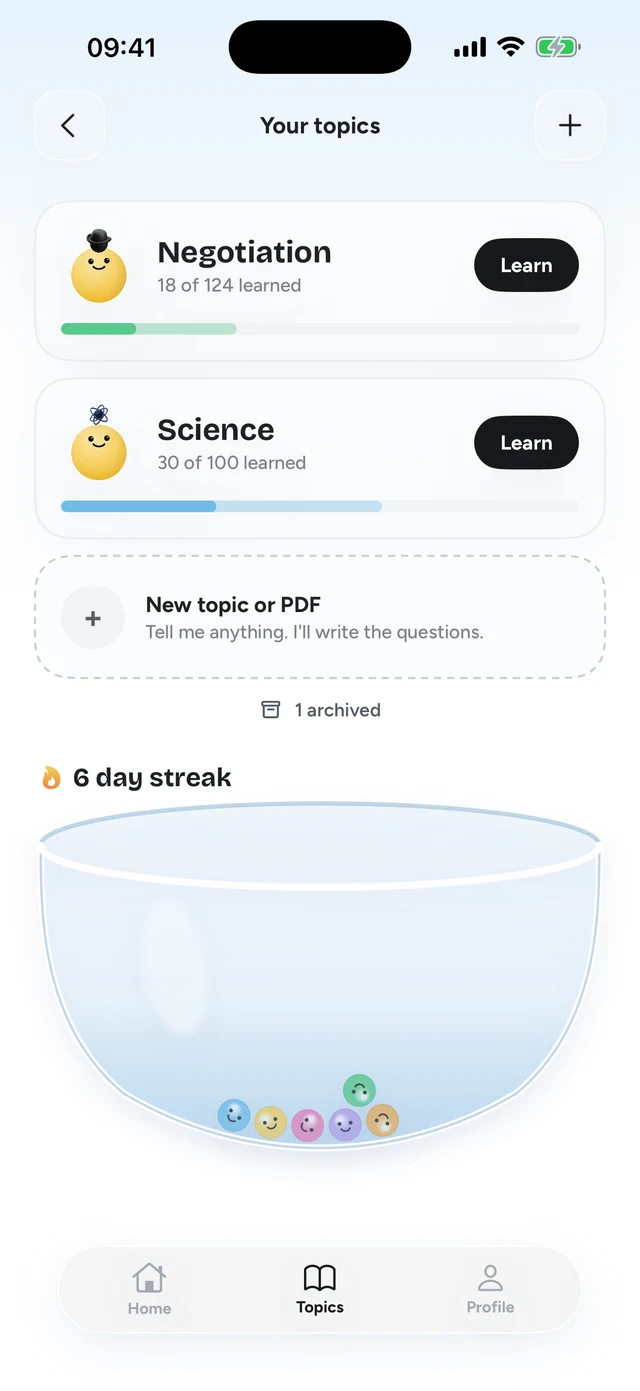
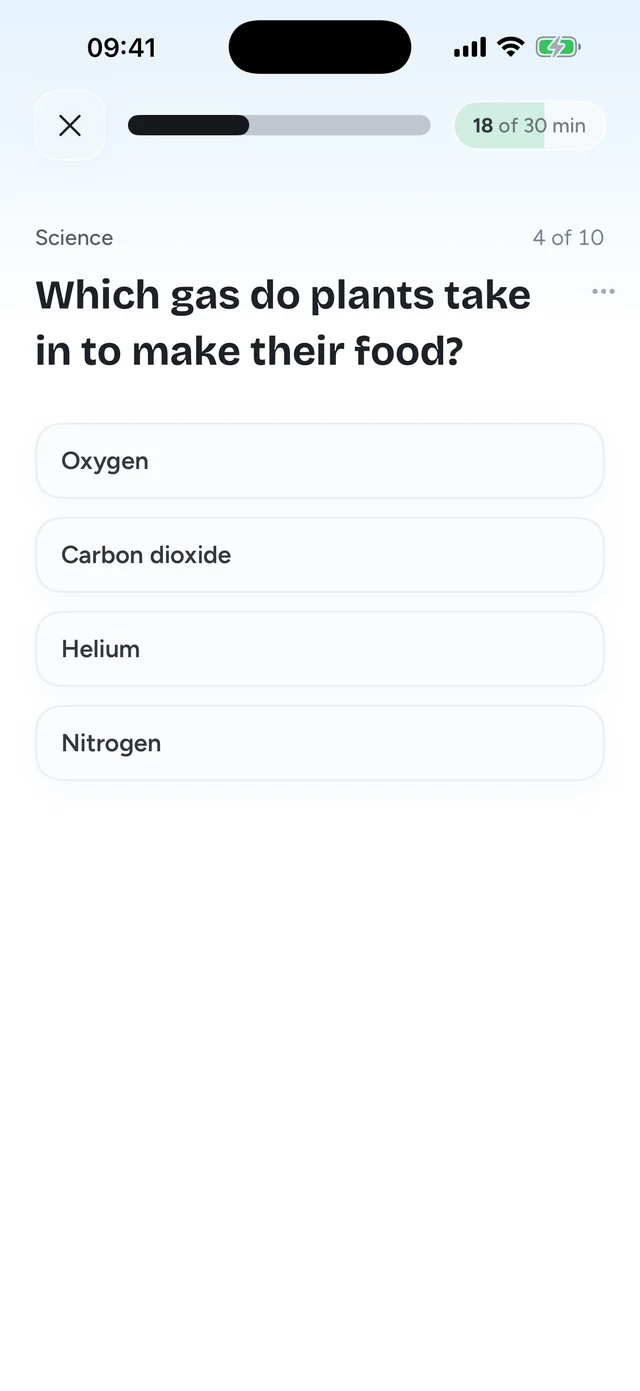
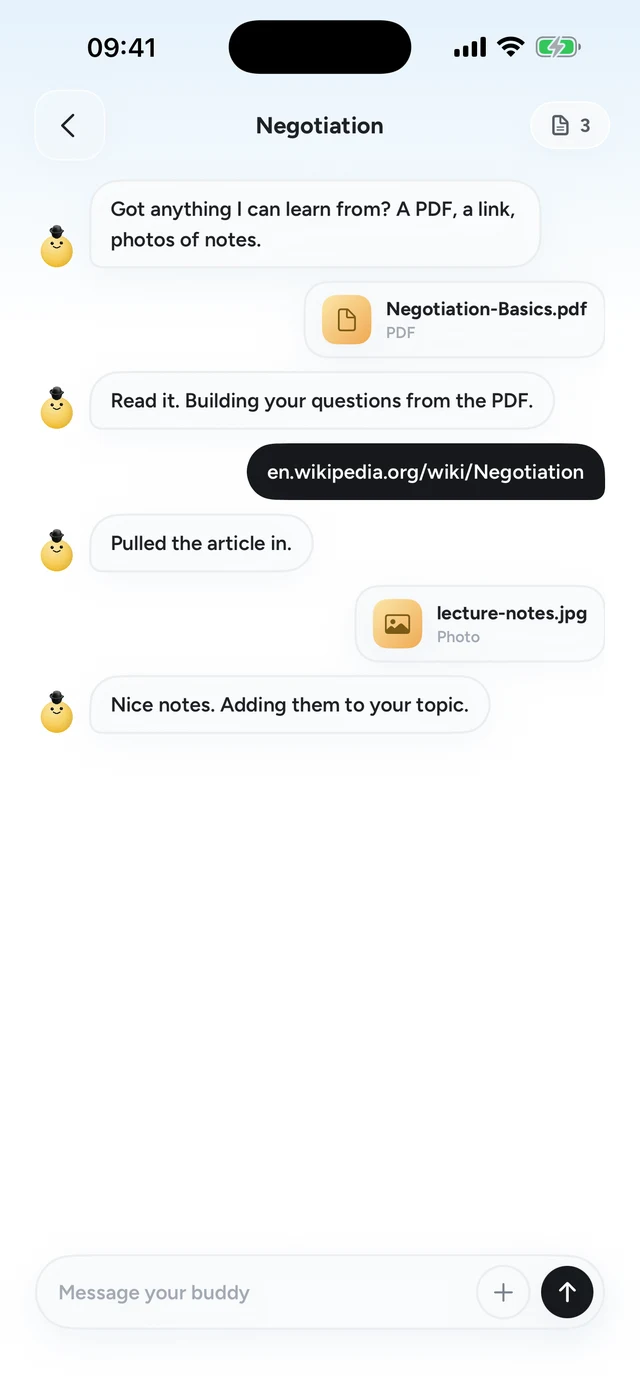
Topics can be anything you type: "Spanish verbs", "Italian for a trip to Rome", "Japanese numbers". If you're taking a class, you can make questions from your own material too. Snap a photo of your notes, upload a PDF of the course reader, or paste a link.
Step 2 of 3Make quizzes from your own material
How to set it up so it sticks
- Pick one narrow topic
"Spanish" is huge. "Spanish present tense verbs" or "ordering food in Spanish" gives you questions you can actually answer in week one.
- Lock the apps you open most
Not every app. Just the two or three your thumb goes to on autopilot. That's where the reps come from.
- Say the answer out loud
When it's a word or phrase, say it before you tap. It takes a second and adds speaking practice to every unlock.
- Add your own material
If you have a class or a textbook, add the chapter you're on. Questions from what you're studying this week are the ones that matter most.
- Don't sweat wrong answers
A miss is still a retrieval attempt, and trying to recall is the part that does the work. Note what you got wrong and move on to the next question.
What this won't do
Short reps are great for vocabulary, grammar patterns and facts. They won't make you conversational on their own. You'll still need to listen to real speech and talk to real people. Think of the questions as the base layer: the thing that keeps words in your head between the moments when you use them.
It also isn't a replacement for a structured course if you want one. Plenty of people use a course or a lesson app for new material and Quizlock to keep it from fading. The two fit together fine.
If your bigger problem is the scrolling itself, not the Spanish, read our guide on how to stop doomscrolling. The two goals turn out to have the same fix.
Can you learn a language by scrolling?
Scrolling content in the language helps your listening a bit, but it's mostly passive. You learn more from active recall: answering questions. Putting one question before each scroll gives you both.
How can I learn Spanish on my phone without Duolingo?
Switch your phone to Spanish, follow Spanish creators, and practice with active recall. Quizlock asks a Spanish question before your social apps open, and a right answer earns 2 minutes.
Are 2 minute study sessions enough to learn anything?
Many short sessions spread over the day are good practice. Research on retrieval practice and spacing shows that testing yourself and spreading practice out both help long term memory more than rereading or cramming.
What's the best way to learn vocabulary on your phone?
Test yourself instead of rereading, and spread the practice over the day. Recalling a word from memory is what makes it stick.
Is Quizlock a language app?
It's an app blocker that teaches. You lock apps, and each unlock asks a question on your topic. Languages are a common pick, but you can learn anything you can type, or quiz yourself on your own PDFs, photos and links.